 WriterMorph
One app for many kinds of writing
The novelist
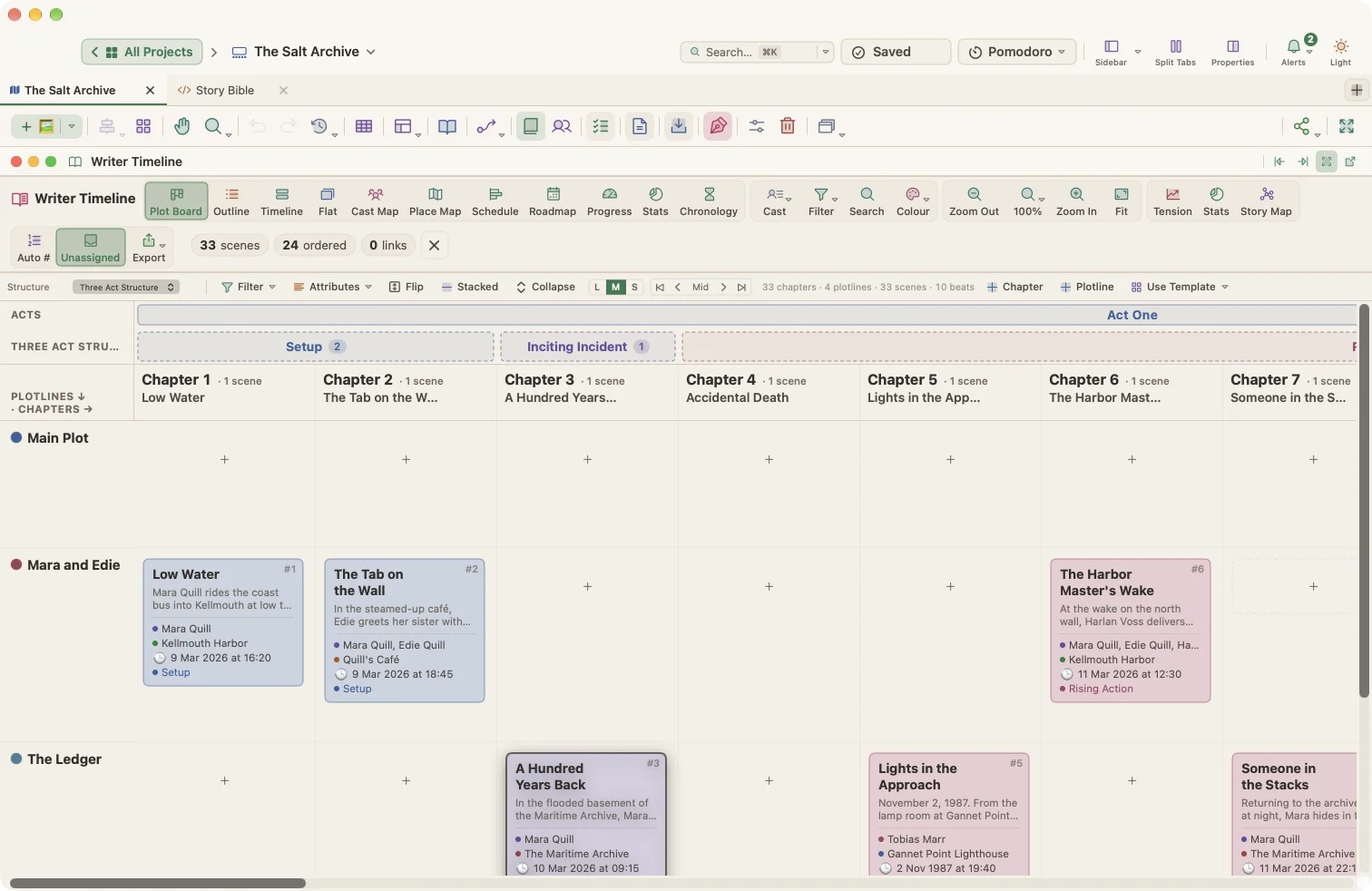
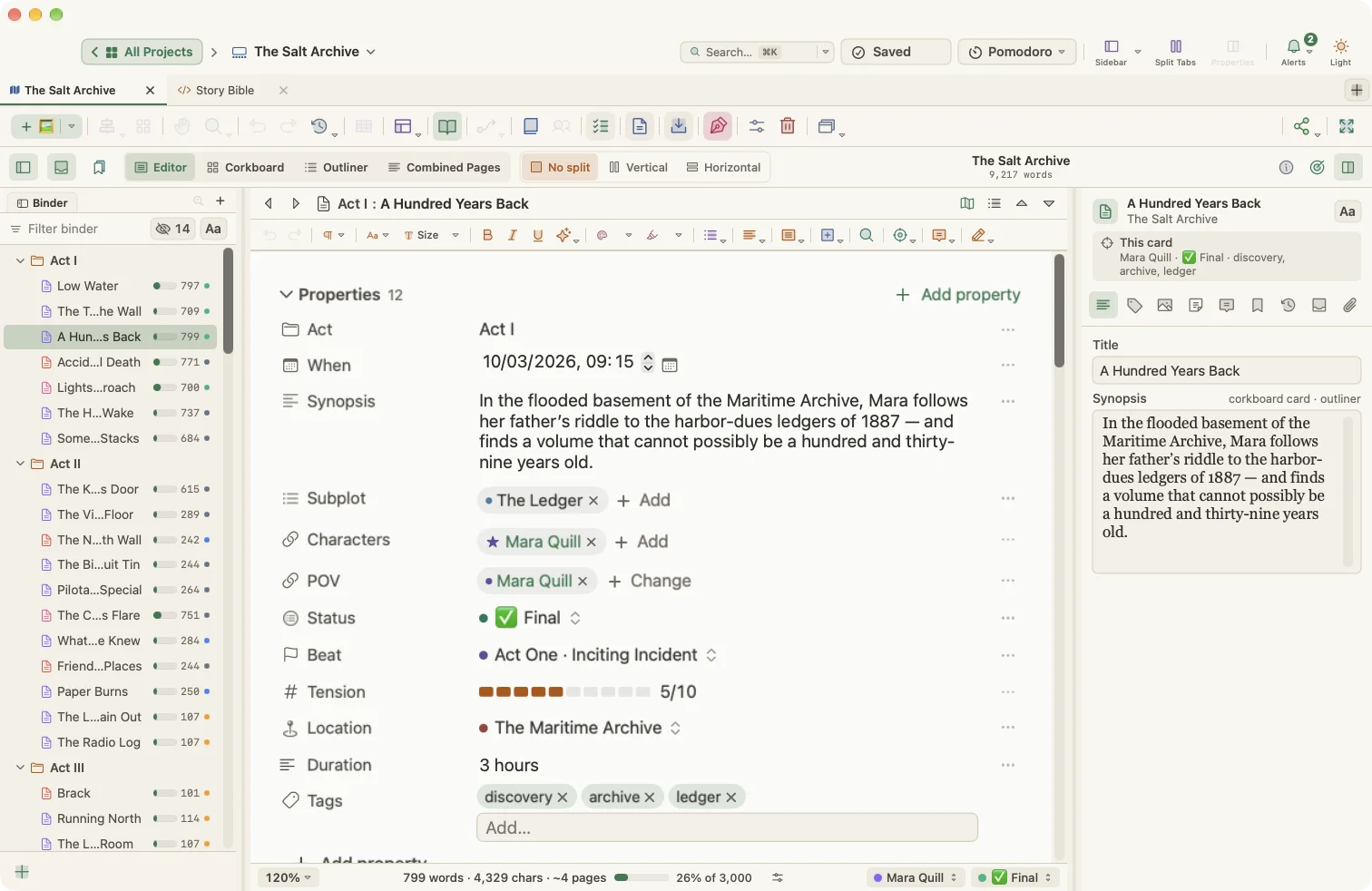
Who: A writer drafting a 90,000-word novel with several points of view and a subplot or two. Picture The Salt Archive, a mystery in which archivist Mara Quill and Detective Ansel Roe follow a trail of forged records through a coastal town.
The problem: The outline lives in one app, the draft in another and the timeline in a spreadsheet. By the middle of the book, nobody (including the author) knows whether Act Two sags or which characters vanished for ten chapters.
The WriterMorph workflow:
- Start from Mystery / Thriller or Novel: Save the Cat (or Three Act, Hero's Journey, or Novel with Parts). Every scene card already carries a beat and a target tension, and the mystery template adds a Clue Tracker for planting and paying off clues.
- Brainstorm on the Visual Planner canvas: add Character cards for Mara and Ansel, Location cards for the archive and the harbor, and connect the scene where a clue is planted to the scene where it pays off with a Foreshadowing line style.
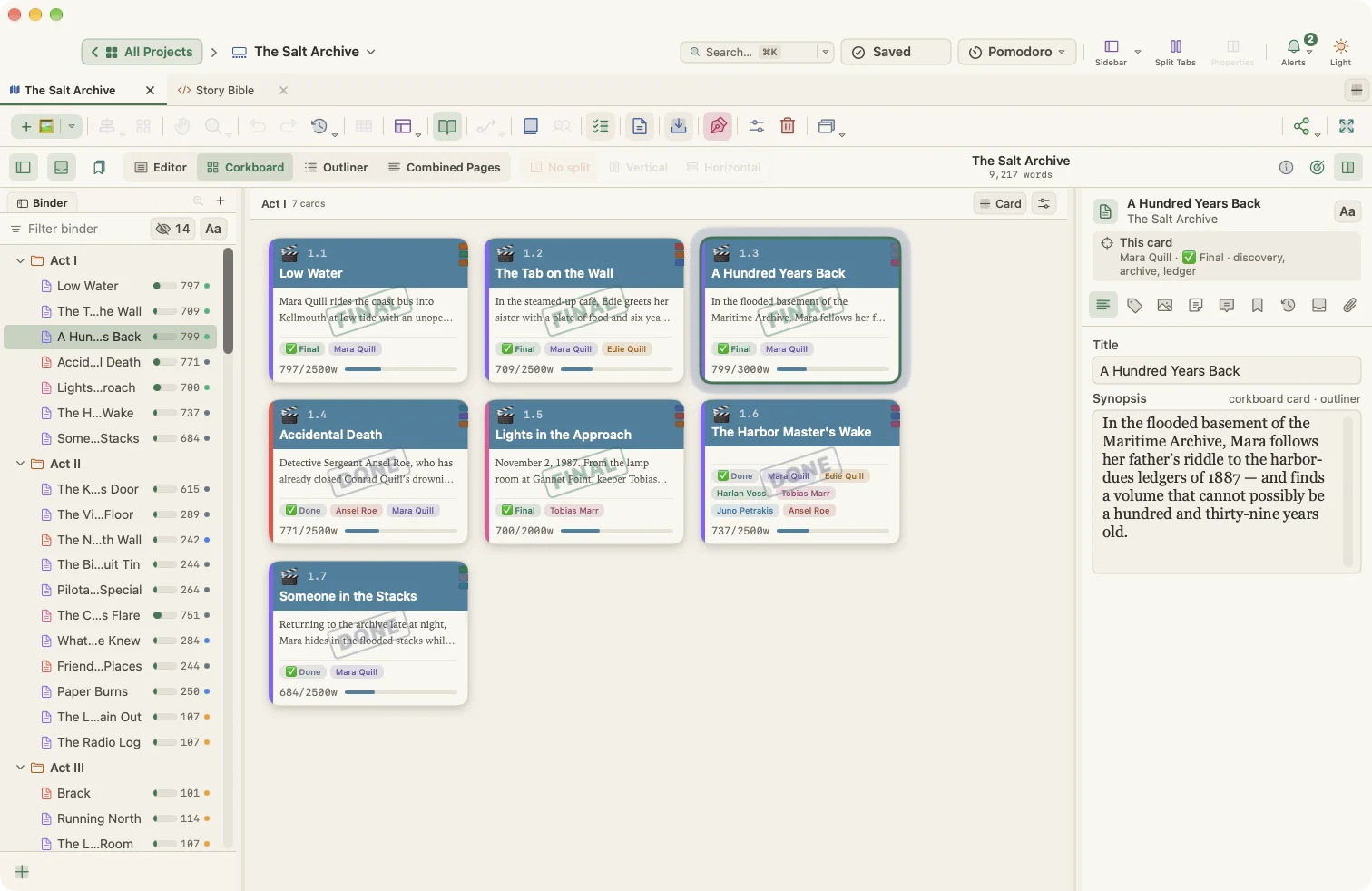
- Draft in Manuscript Mode with the binder, corkboard and Composition Mode, tracking a daily target with Project Targets and a deadline.
- Check the shape of the book in the Writer Timeline: the Plot Board for chapters × plotlines, the Cast Map to spot where Ansel disappears for too long, the Tension curve against the ideal shape, and Book Stats › Needs attention for scenes with no beat or summary.
- Revise with Revision Mode colors and Snapshots before each big rewrite.
- Compile with the Manuscript preset for agents, or Paperback and E-book when you self-publish.
Output: Standard manuscript PDF or Word file for submissions; a 6 × 9 in print-ready PDF and an EPUB 3 e-book.
The screenwriter
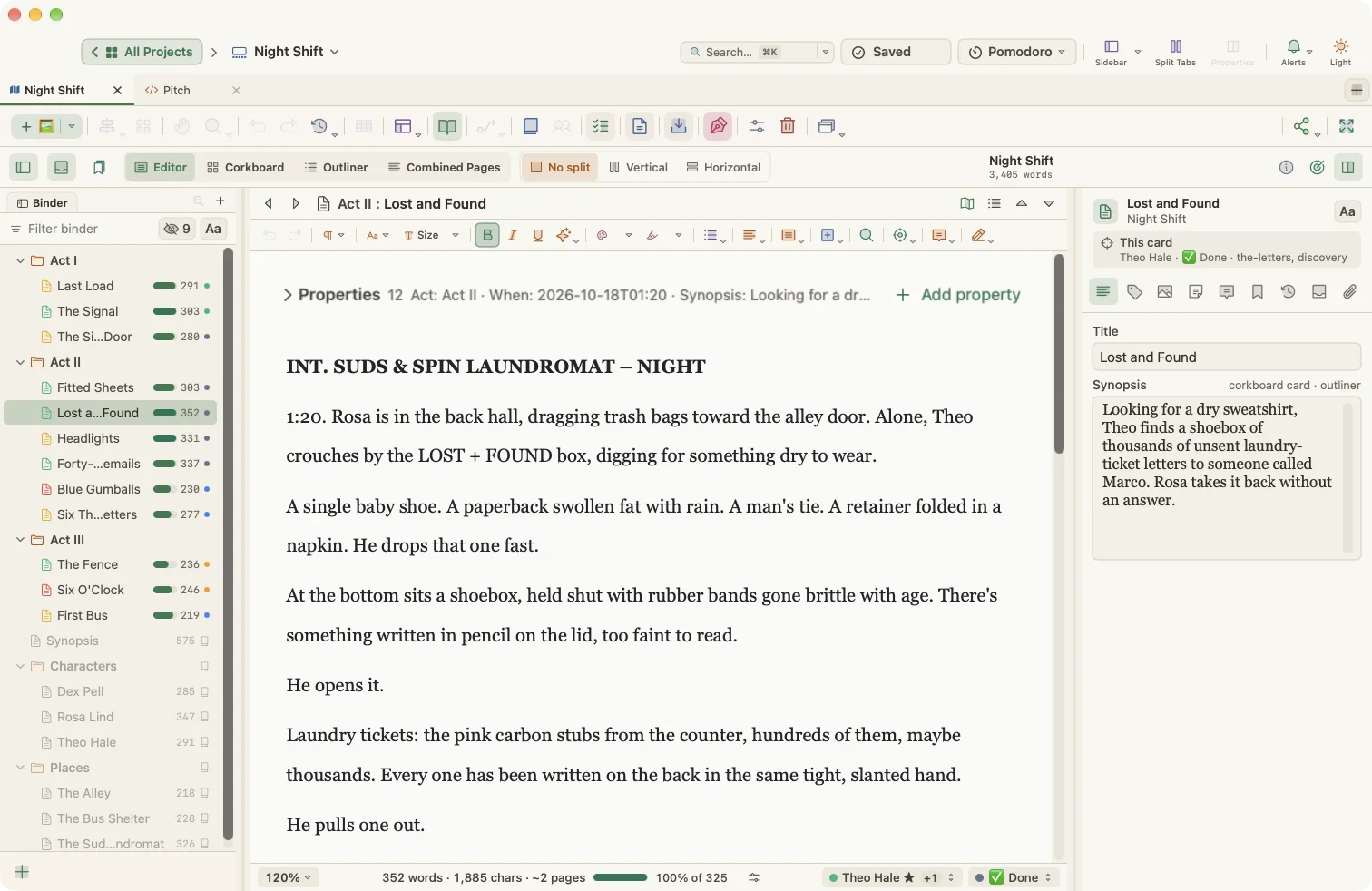
Who: A writer developing a screenplay, thinking in sequences before scenes. It might be Night Shift, a story set over one long night in a city hospital, written as a short and expanded into a feature.
The problem: Index cards on a wall are great until you need to move them, count pages or see where the midpoint actually lands.
The WriterMorph workflow:
- Create a project from the Screenplay template: three acts, eight sequences and sixteen scene cards tagged with Three Act beats, with logline and formatting notes.
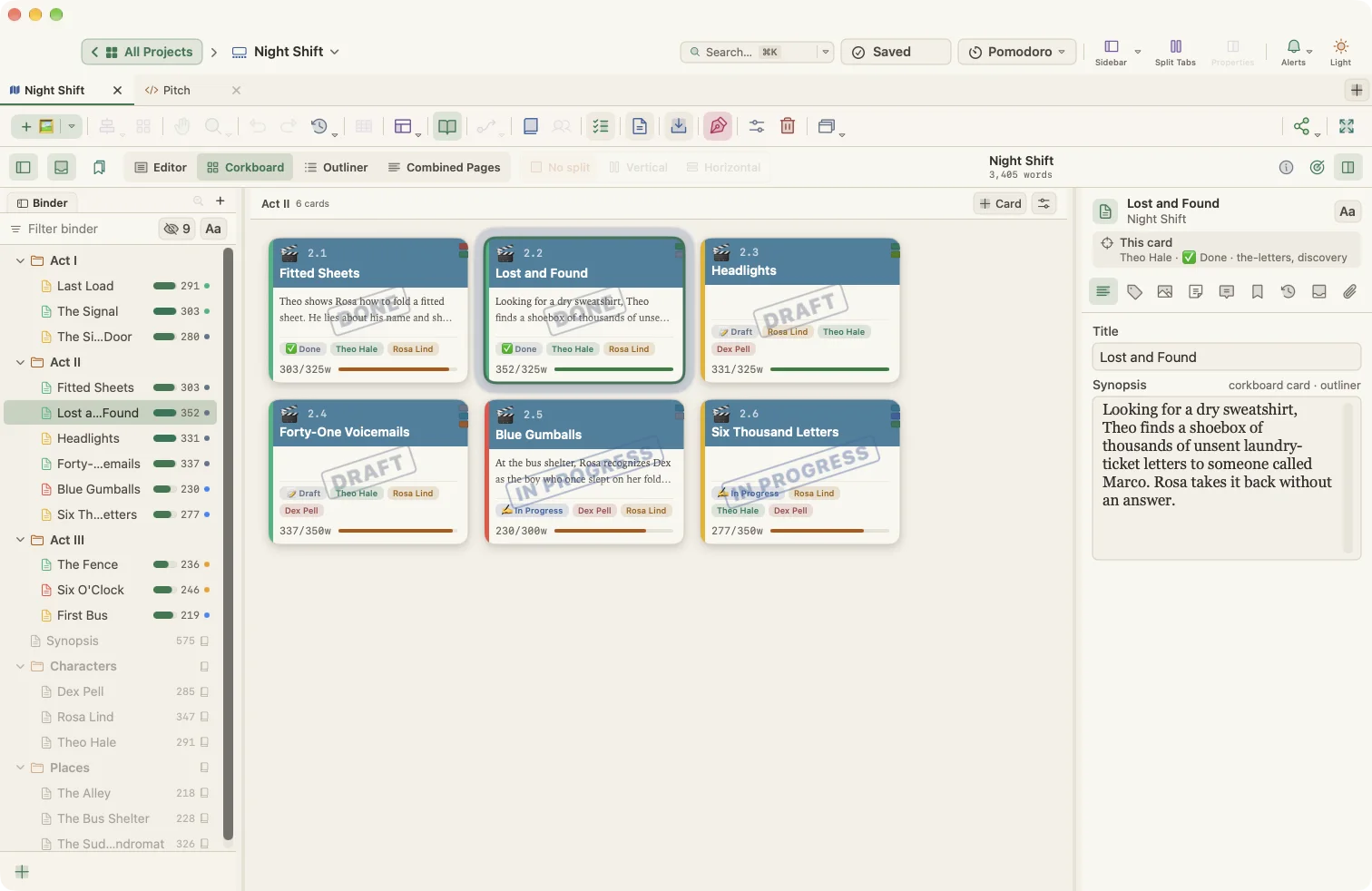
- Rearrange sequences and scenes on the corkboard or the canvas; write each scene's slugline and synopsis on its card.
- Use the Writer Timeline Timeline view with lanes per plotline and Story time order to check chronology and flashbacks.
- Track page-count guidance with word targets and the Progress view.
- Compile with the Screenplay preset (Courier 12, US Letter, 1.5" left margin).
Output: A Courier 12 PDF or Word draft for table reads and notes.
The student writing an essay
Who: A high-school or first-year college student with an essay due on Friday, for example an MLA essay arguing that public libraries are essential community infrastructure.
The problem: Staring at a blank page, then writing the introduction last-minute with no plan for the evidence.
The WriterMorph workflow:
- Start from Argumentative Essay, Five-Paragraph Essay or Essay (MLA 9). Each section card explains what goes there and has its own word target.
- Collect quotes and sources in the evidence log and opposing views page, which stay outside the essay.
- Write each paragraph in the editor; progress bars show how close each section is to its target.
- Add a Task card for the due date and see it in the Task Manager calendar, with a reminder the day before.
- Use the Pomodoro timer to work in focused 25-minute sessions.
- Compile to Word or PDF.
Output: A clean Word or PDF essay with a Works Cited page.
The thesis or dissertation writer
Who: A master's or PhD student writing a five-chapter thesis over many months, with a supervisor and a hard submission date. Say the topic is how urban tree canopy affects summer street temperatures.
The problem: Hundreds of sources, chapters at different stages, and no clear view of whether the timeline is realistic.
The WriterMorph workflow:
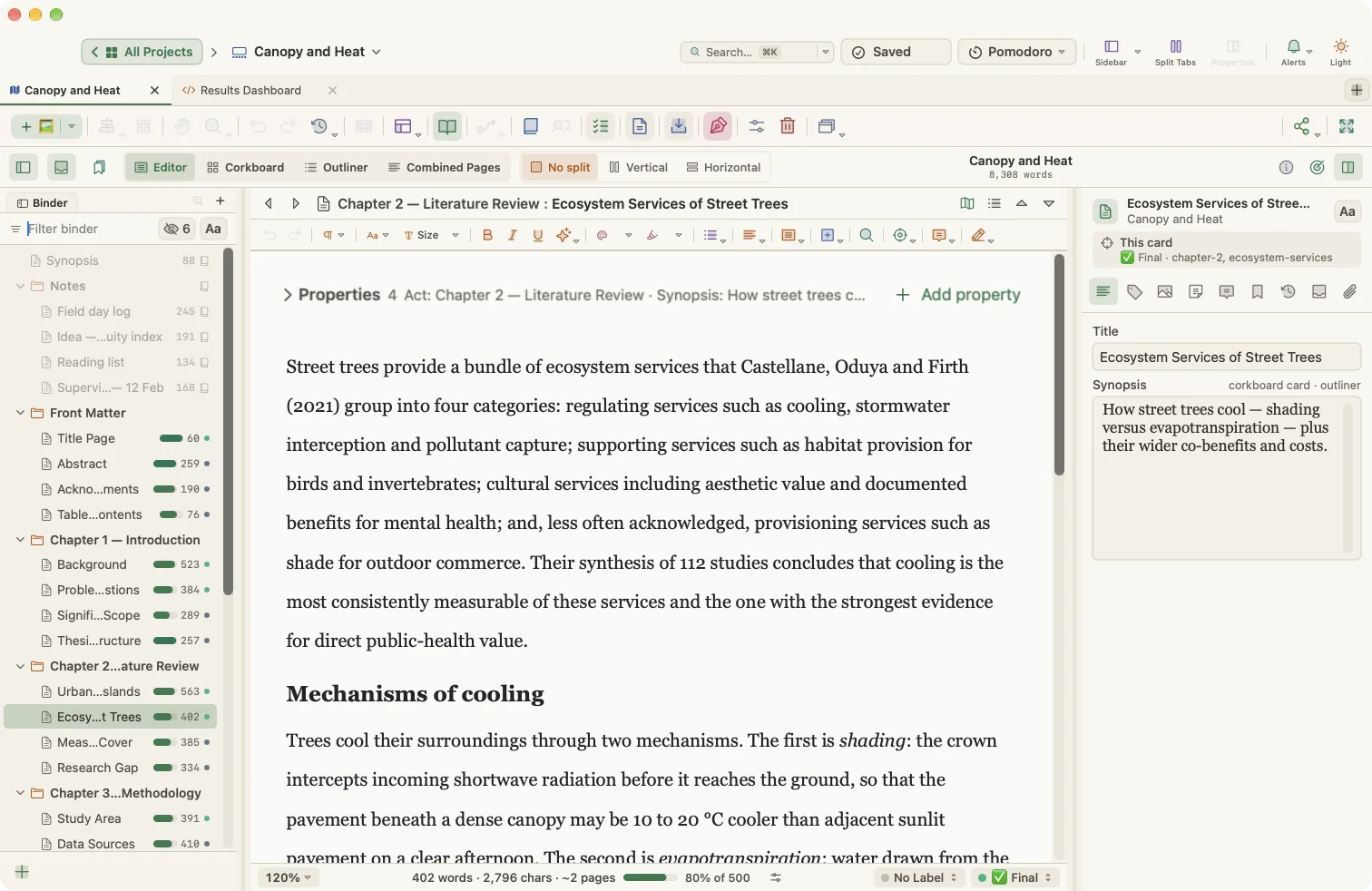
- Create a project from Thesis / Dissertation: front matter, five chapter folders of section cards with word targets, references and appendices, plus folders for supervisor meeting notes and submission requirements.
- Keep literature notes on Research and Reference cards with properties such as source and status, and link them to the sections that use them with Link to cards properties.
- Plan the months ahead in the Roadmap view: Plan Chapters… spreads chapters between your start and submission dates, and the Schedule (Gantt) shows tasks with dependencies.
- Track progress chapter by chapter in the Progress view and with Project Targets, using a deadline and writing days.
- Insert footnotes and citations from your bibliography manager; take Snapshots before each supervisor revision.
- Compile to PDF, Word or LaTeX, with outline numbering (1, 1.1, 1.1.1), a title page and front and back matter.
Output: A numbered PDF or Word thesis, or a LaTeX file ready for your university's class file.
The non-fiction author pitching a book
Who: An expert or journalist who needs a book proposal before writing the book.
The problem: Agents expect a proposal in a specific shape, and the sample chapter has to match the chapter outline.
The WriterMorph workflow:
- Start with Book Proposal: cover letter, overview, author bio, audience, comparable titles, marketing, chapter outline and sample chapter, each with a word target.
- Track agent submissions in the tracker note, which stays outside the compiled proposal.
- Once the proposal sells, create a project from Non-Fiction Book and plan its seven chapters in three parts on the canvas.
- Use the Research folder as a source log, and Collections to group chapters that need fact-checking.
- Compile the proposal with the Manuscript preset and the book with Paperback or Word.
Output: A finished proposal PDF or Word file, then a full manuscript.
The memoirist
Who: Someone turning a lifetime of memories into a story with a shape.
The problem: Memories arrive out of order. The real chronology and the order of the story are not the same.
The WriterMorph workflow:
- Start from Memoir: an opening, three parts and a present-day reflection, with a Memory Bank folder for a real-life timeline, people and memory prompts.
- Jot memories as cards on the canvas whenever they come back, then drag them into the binder where they belong in the story.
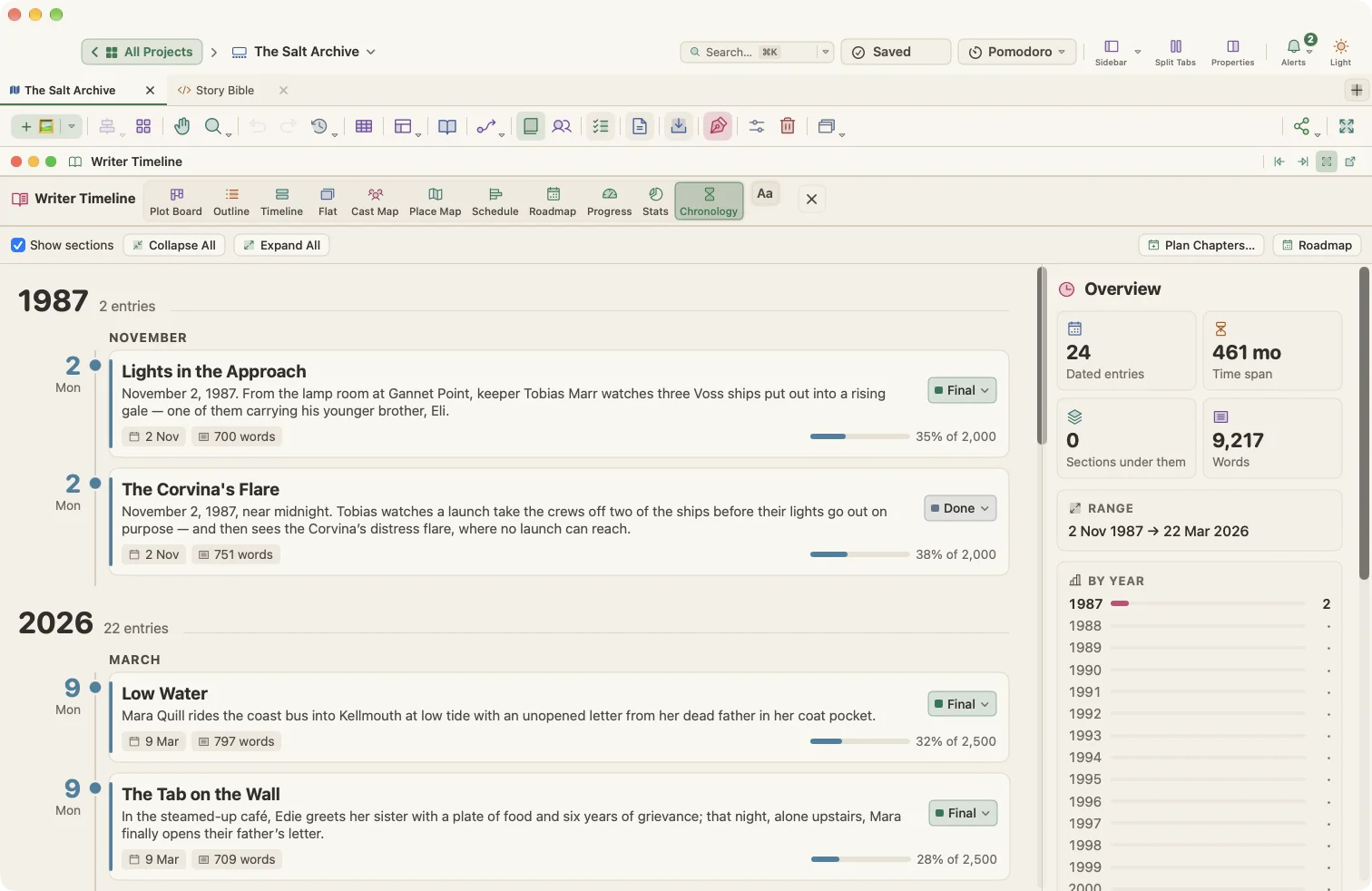
- Give scenes story dates and use the Chronology or Timeline view to see real-life order next to narrative order.
- Write in Composition Mode with a daily word target and keep private reflections in each document's Notes.
- Compile to Word for an editor or to EPUB for family and friends.
Output: A Word manuscript or an EPUB e-book.
The podcaster and newsletter writer
Who: A creator who writes episode scripts and a weekly newsletter.
The problem: Scripts run too long, ideas get lost, and the editorial calendar lives somewhere else.
The WriterMorph workflow:
- Use Podcast / Radio Script for each episode. Every segment has a Runtime property and a word target at 150 words per minute, so the running time adds up as you write.
- Keep guest research and show notes in the Show Bible folder.
- Use Blog / Newsletter for written issues: draft post cards with headline and call-to-action prompts, an editorial calendar and an idea backlog.
- Schedule publish dates as tasks and see them on the Task Manager calendar.
- Export each script or issue as Markdown or HTML, or copy it as Markdown or HTML for your publishing platform.
Output: A timed script PDF for recording; Markdown or HTML for a newsletter or blog.
The playwright
Who: A dramatist writing a two-act play for a workshop production.
The problem: Tracking who is on stage in each scene, what the set needs, and whether the drama builds.
The WriterMorph workflow:
- Start with Stage Play: two acts of four scenes each on Freytag's pyramid, character profiles for casting, a set description and production notes.
- Use the Cast Map to see which characters appear in which scene, which is useful for casting and doubling.
- Rate each scene's Tension and check the curve rises to the climax.
- Keep props, lights and sound in production notes, outside the script.
- Compile the script to PDF or Word for the cast.
Output: A PDF or Word script for read-throughs and rehearsals.
The researcher writing a paper or lab report
Who: A scientist or student writing an APA paper or a lab report.
The problem: Strict section structure, tables, references and a deadline, with notebook observations scattered everywhere.
The WriterMorph workflow:
- Start from Research Paper (APA 7), Lab Report or Literature Review.
- Fill in sections such as Method and Results, with tables in the editor and data in an appendix.
- Keep notebook observations and a synthesis matrix in reference folders outside the paper.
- Use Find and Replace with regular expressions across the project to tidy terminology, and Footnotes where needed.
- Compile to Word for submission or to PDF.
Output: A Word or PDF paper in your required structure.
The poet
Who: A poet assembling a first collection for submission to presses.
The problem: Dozens of poems, several possible orders, and a spreadsheet of where each poem was submitted.
The WriterMorph workflow:
- Start with Poetry Collection: front matter, three numbered sections of poem cards, notes and acknowledgements.
- Try different sequences on the corkboard or the canvas; drag poems between sections.
- Use the Workshop folder for fragments, the submissions tracker and notes on ordering.
- Use a Select property for submission status and filter the Outline panel with
status: submitted. - Compile with the Paperback preset and each section on a new page.
Output: A print-ready PDF or a Word manuscript for presses and contests.

Your next book starts here
Try every feature free for 30 days. Your files stay yours whatever you decide.